
Learning How to Cut a Pineapple is very simple, and once you do it, you will get pineapples all the time! After you master how to cut pineapple, you can make this amazing Grilled Pineapple with Honey Cinnamon Glaze, this delicious Pineapple Mango Salsa, or this perfect Simple Fruit Salad!
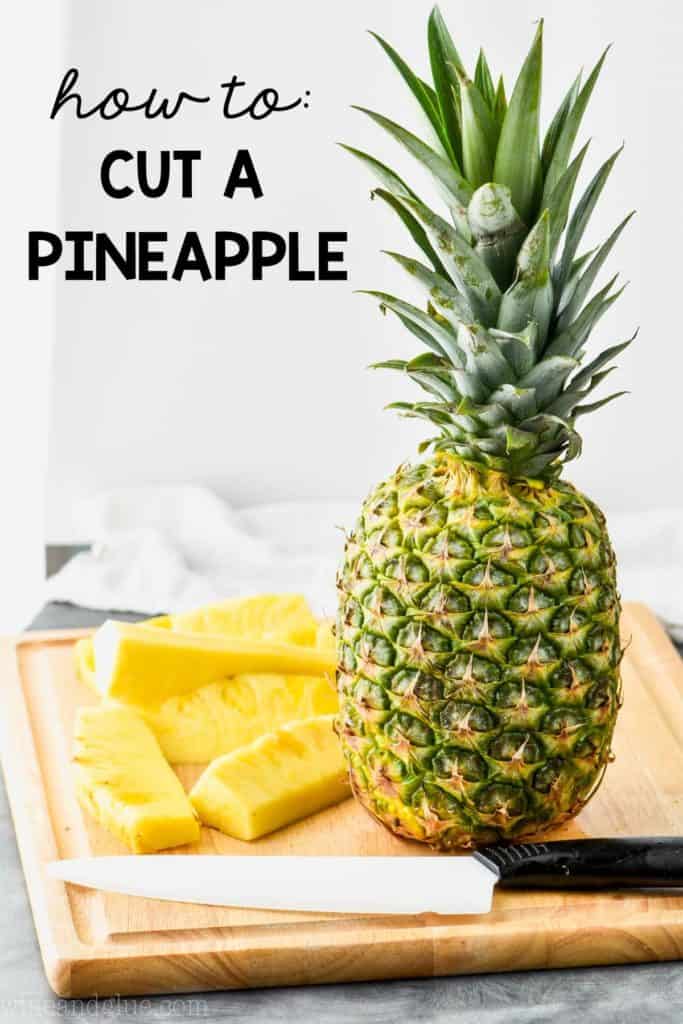
I really love recipes that use fresh pineapple. But it wasn’t until I was pregnant with my oldest that I learned how to cut a pineapple. I started craving it like mad and was eating at least one pineapple a week by myself! Now, my very favorite way to eat a pineapple is to cut it into spears and grill it! It makes the most delicious light dessert! But before we do that, let’s learn what to look for in buying a pineapple and how to cut a pineapple properly.
How Do You Know if a Pineapple is Ripe?
- Look for a pineapple that is more yellow than green on the exterior. The more yellow, the more ripe.
- Feel the pineapple, it should give a little when you push on it. Hard pineapple? Keep moving.
- Smell the bottom. It should smell fruity and sweet.
Pineapples don’t really ripen that much after they are picked. So if you are waiting for the one on the counter to ripen, you are probably just risking it going bad.
How to Cut a Pineapple
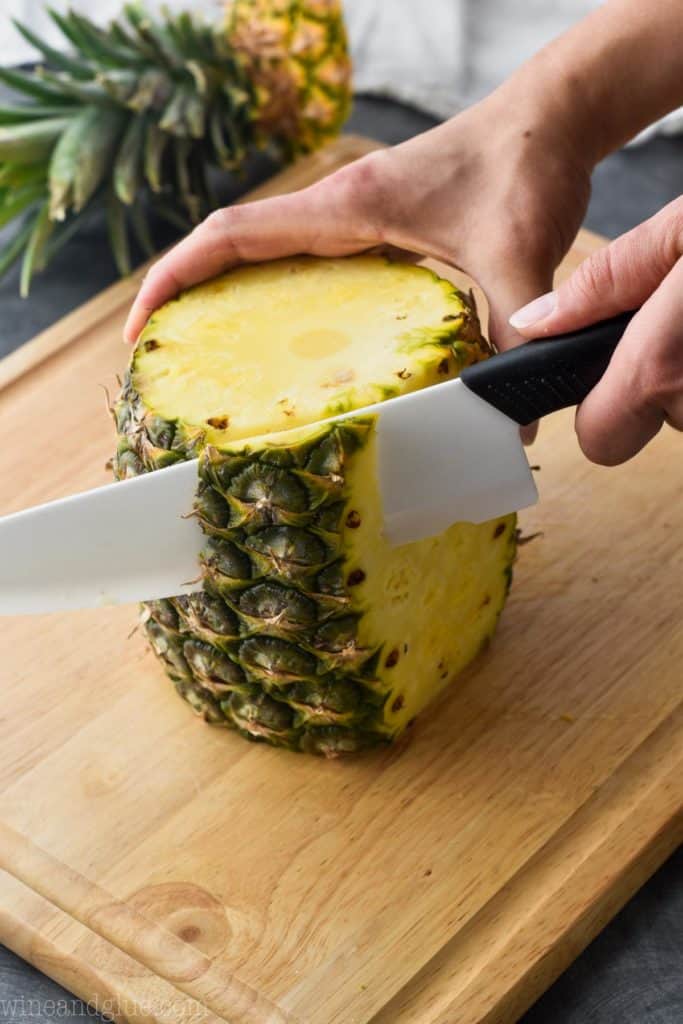
- Cut off the top and bottom.
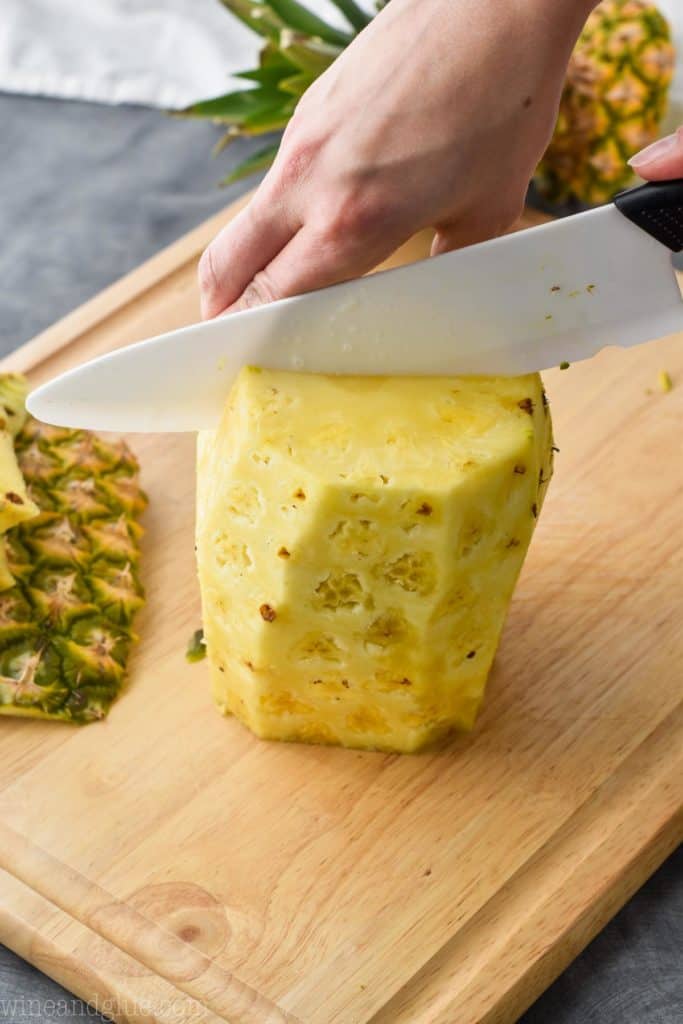
- Then make small slices off the sides, removing the skin. You want the cuts to be deep enough that you take off the eyes, but not so deep that you take off a ton of pineapple.
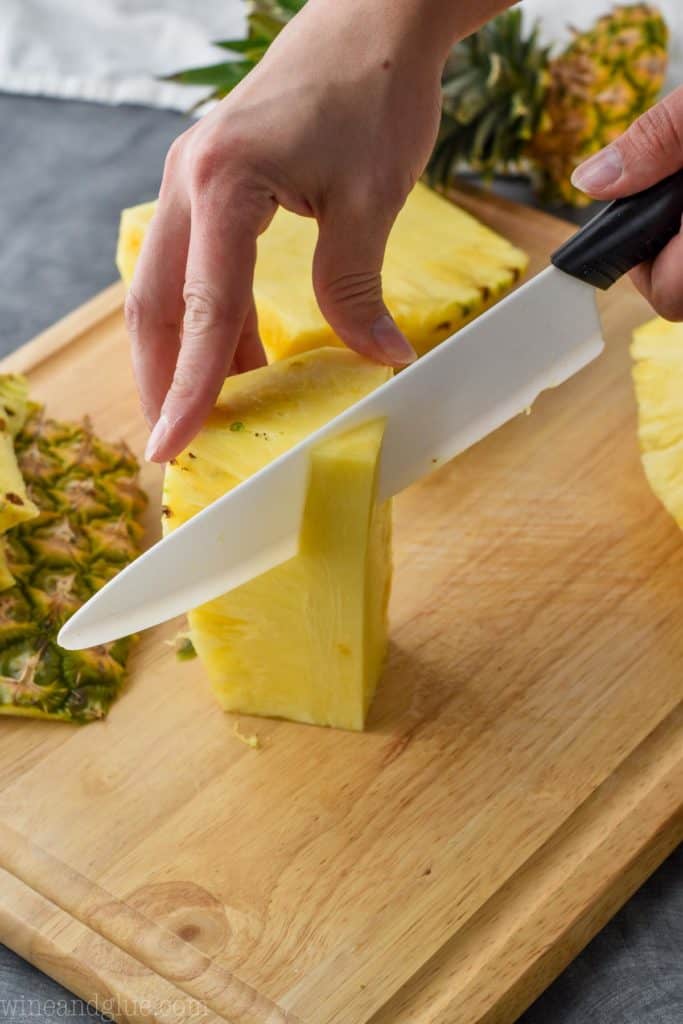
- Once all the skin is off, cut the pineapple in half. And then into quarters.
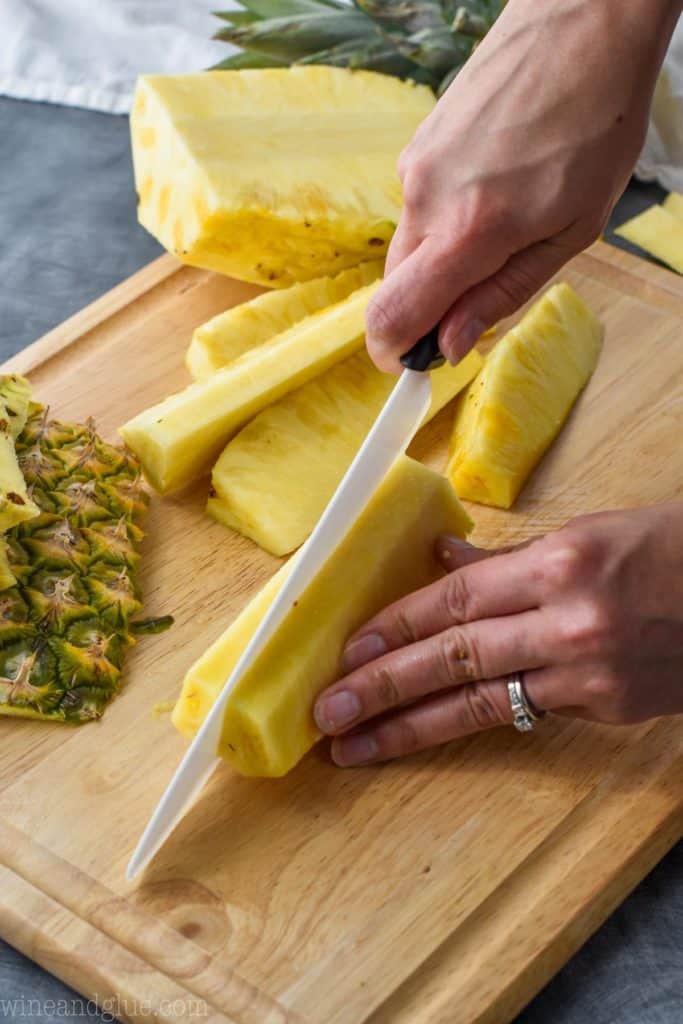
- Now cut the core of the pineapple out. (See photo below)
- Cut the pineapple into spears. You can now either cut it into smaller pieces, or if you are grilling it, leave it as is.
Pictures of How to Cut a Pineapple
Cut off the top
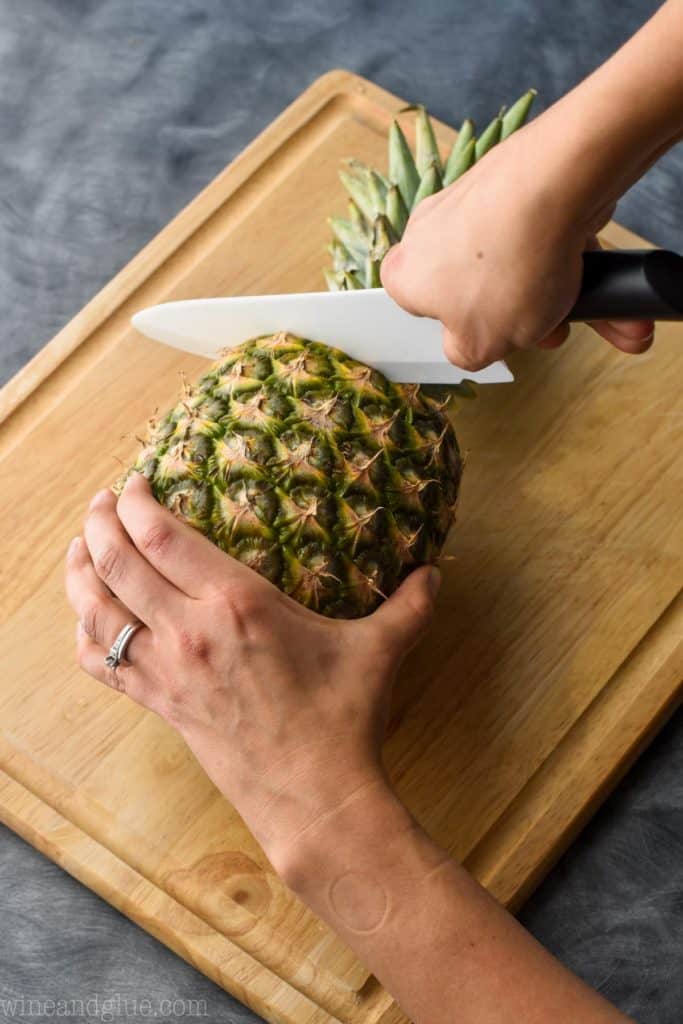
Cut off the bottom
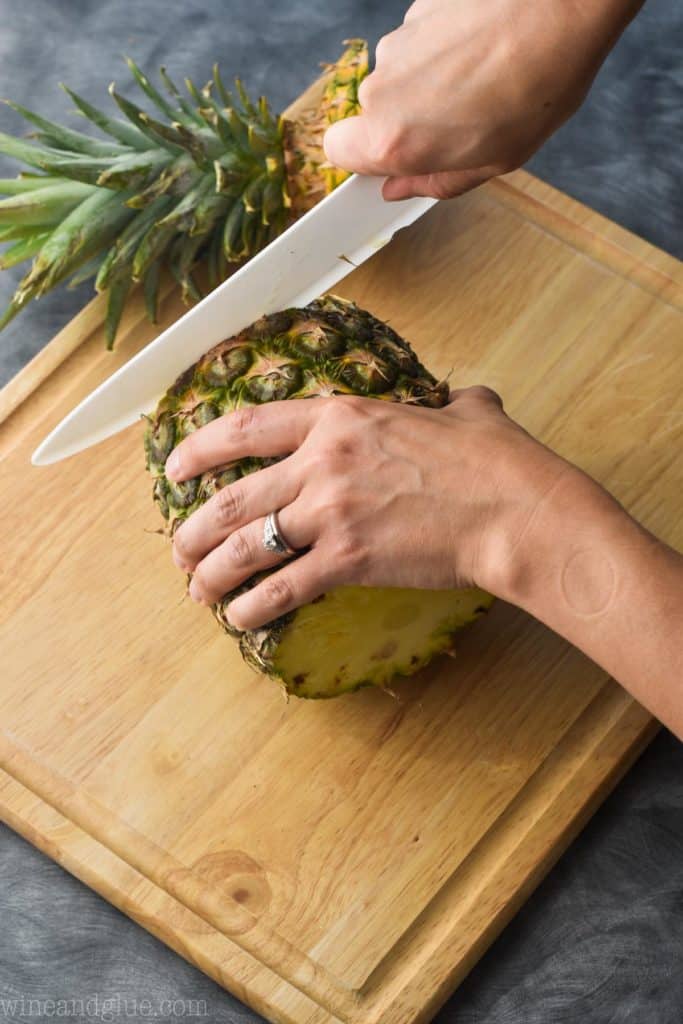
Cut off the skin
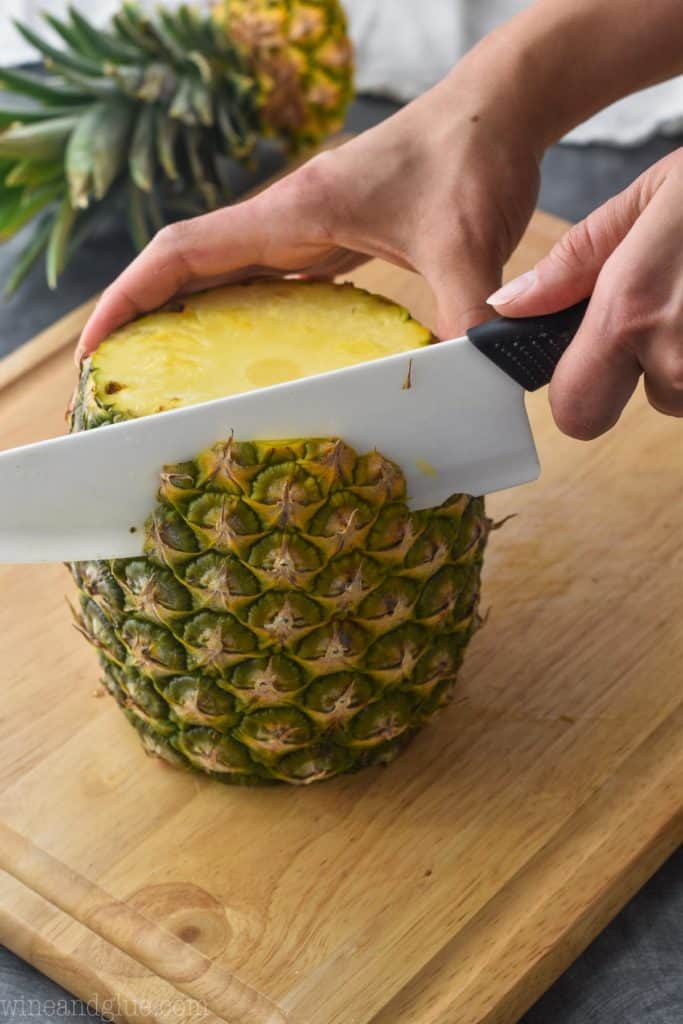
Making thin slices, continue to cut the skin off.
Cut the pineapple in half and then into quarters.
Cut the core out of the pineapple by slicing down the tip of the quartered chunk.
Now cut the pineapple into spears and then into chunks if you desire.
How Long Will Cut Pineapple Last
After cutting, store your pineapple in an airtight container. Eat within three to four days. Or make something delicious out of it!
Great Recipes Using Fresh Pineapple
- Grilled Pineapple with Honey Cinnamon Drizzle – this is a great summer dessert, but I even like to make it on the indoor grill top in the winter.
- Tropical Margarita Sangria – this drink NEEDS fresh pineapple, it makes it that much more flavorful and tropical.
- Simple Fruit Salad – such an easy side dish that you will love so much!
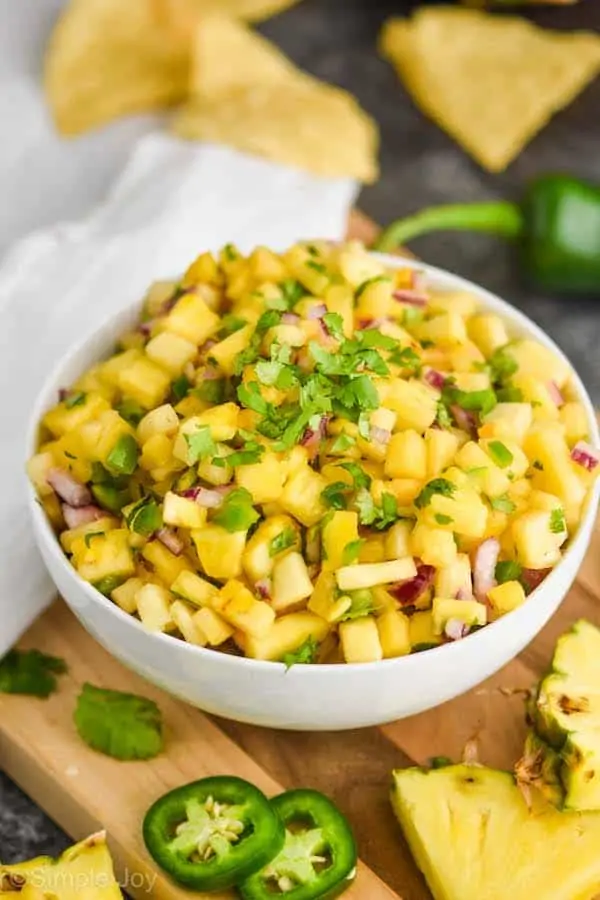
- Pineapple Mango Salsa – this is one of my favorite salsa recipes, it is delicious and easy!













LEAVE A COMMENT