
These Five Dips, Marinades, and Dressings are perfect for your summer entraining. With just a few simple ingredients for each one you can get a great recipe that is perfect to toss on a salad, rub onto ribs, marinade chicken in, or use as a dip and a sandwich spread!
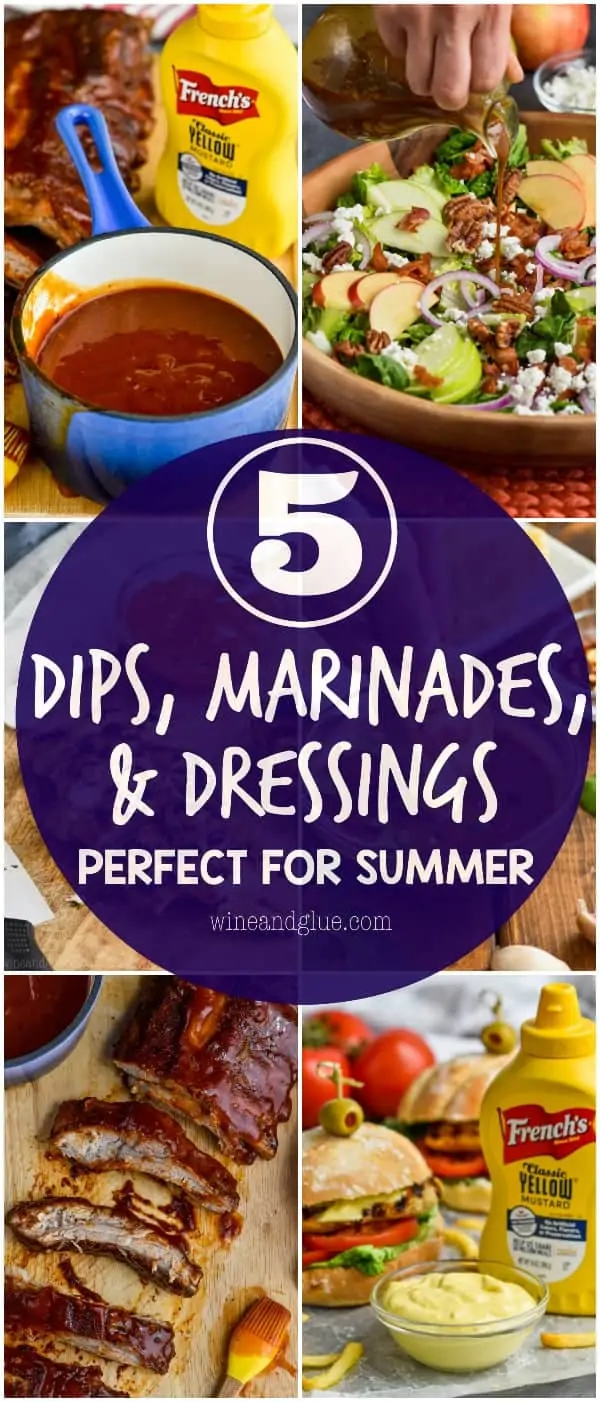

I’m so happy to be partnering with French’s® Classic Yellow Mustard to bring you these five easy sauces! They are such an iconic part of summer picnics and barbecues and with just one bottle of French’s® Classic Yellow Mustard you can make so many amazing recipes!
It is no secret that I love summer . . . . because of the food.
You guys, I really love everything because of the food. But summer! I love summer picnics and barbecues, I love get togethers after Memorial Day and Fourth of July Parades. I love the playing outside with the kids and sipping on a great cocktail while eating an amazing lunch outside. And without fail, we always have the staples of summer with us, like a big bottle of French’s® Classic Yellow Mustard.
Today I have five amazing dips, marinades, and dressings that you can make with just one bottle of French’s® Classic Yellow Mustard! I know that you love it on your hot dogs, but did you know that you also love it on everything else? You are about to find out that you do!
CHIPOTLE MUSTARD BARBEQUE SAUCE
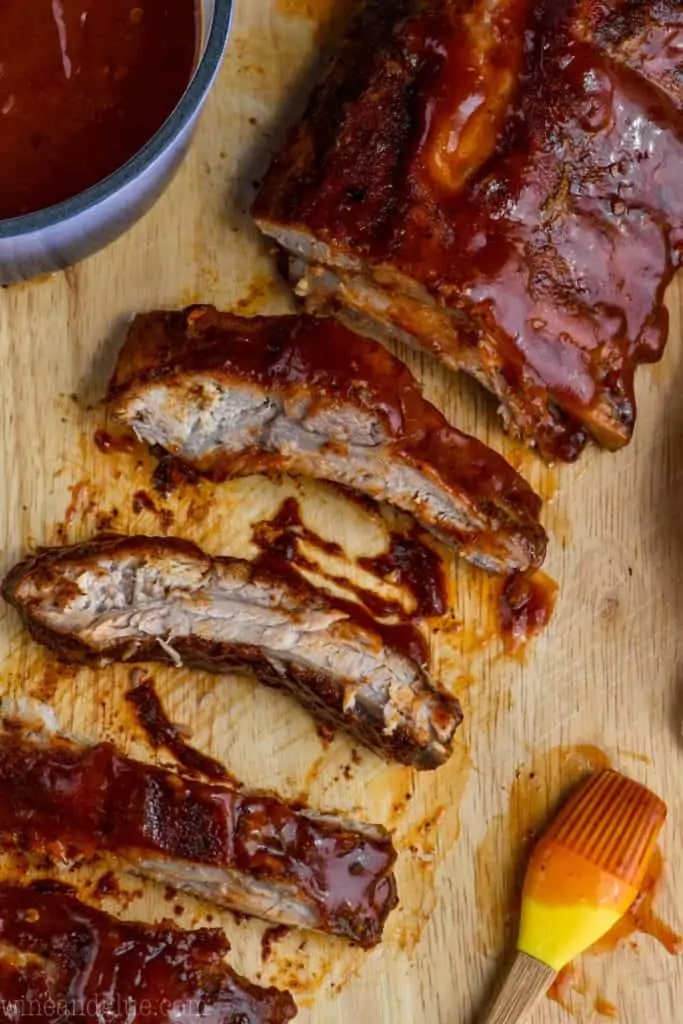
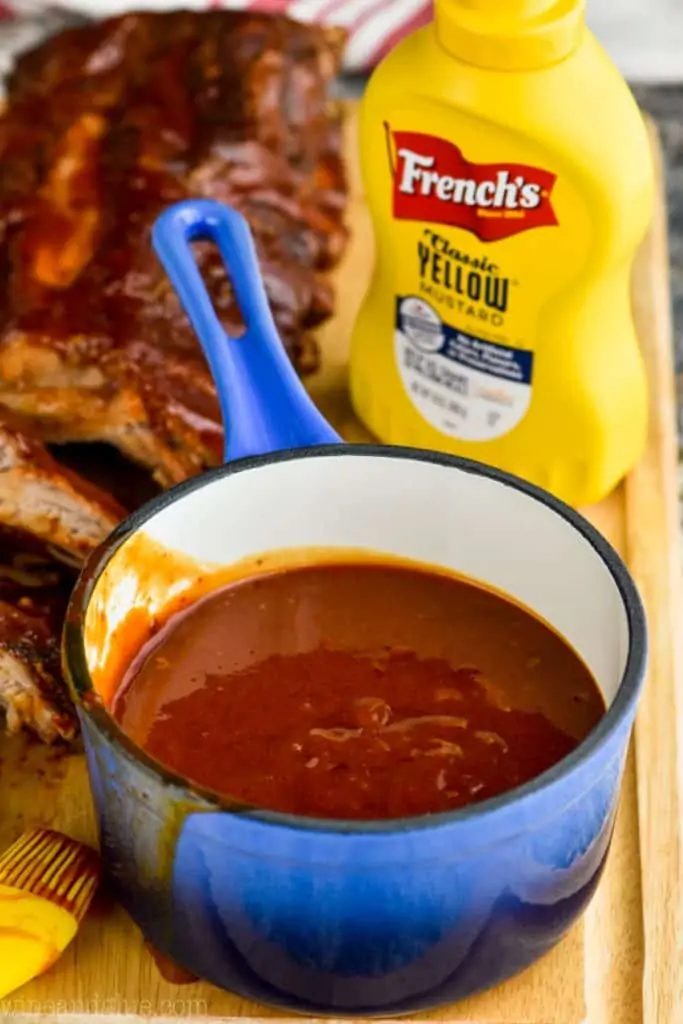
If you have never made ribs before, you need to do that immediately. It is so easy to make ribs in the oven and they are such a summer classic. And of course you are going to want to smoother them in this amazing Chipotle Mustard Barbecue Sauce. It starts with chipotle peppers in adobo sauce and all your classic ingredients for barbecue sauce and then gets an extra zip to it with some French’s® Classic Yellow Mustard.
This sauce is spicy, a little sweet, and completely delicious. Your guests will love this sauce. It is amazing on ribs, but would also be great on grilled chicken or used in the crock-pot to make a pulled pork!
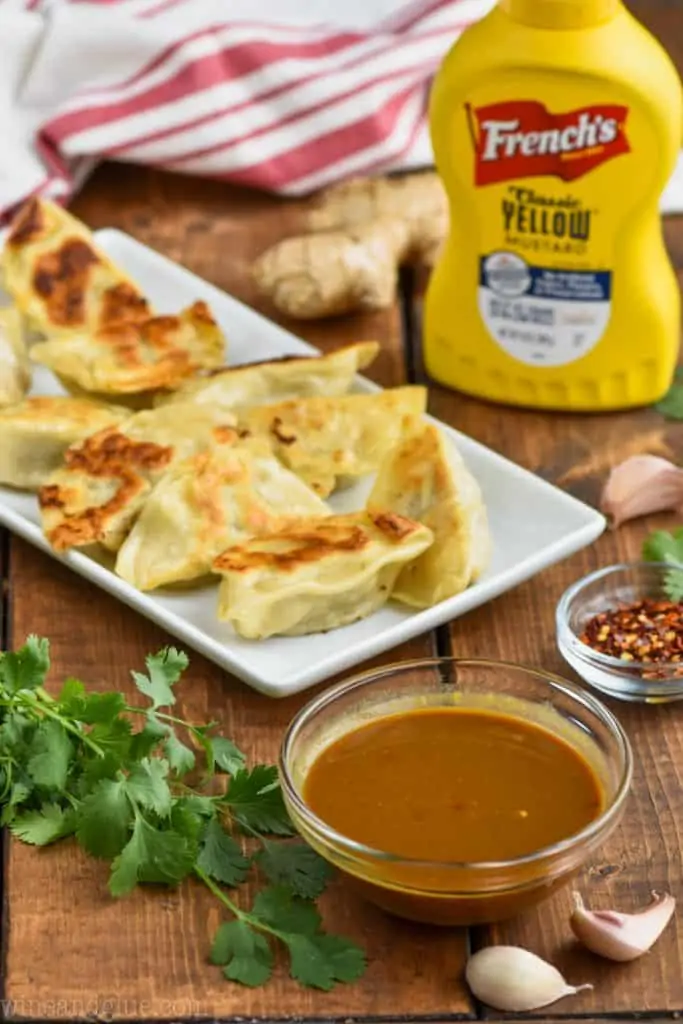
GINGER MUSTARD POTSTICKER SAUCE
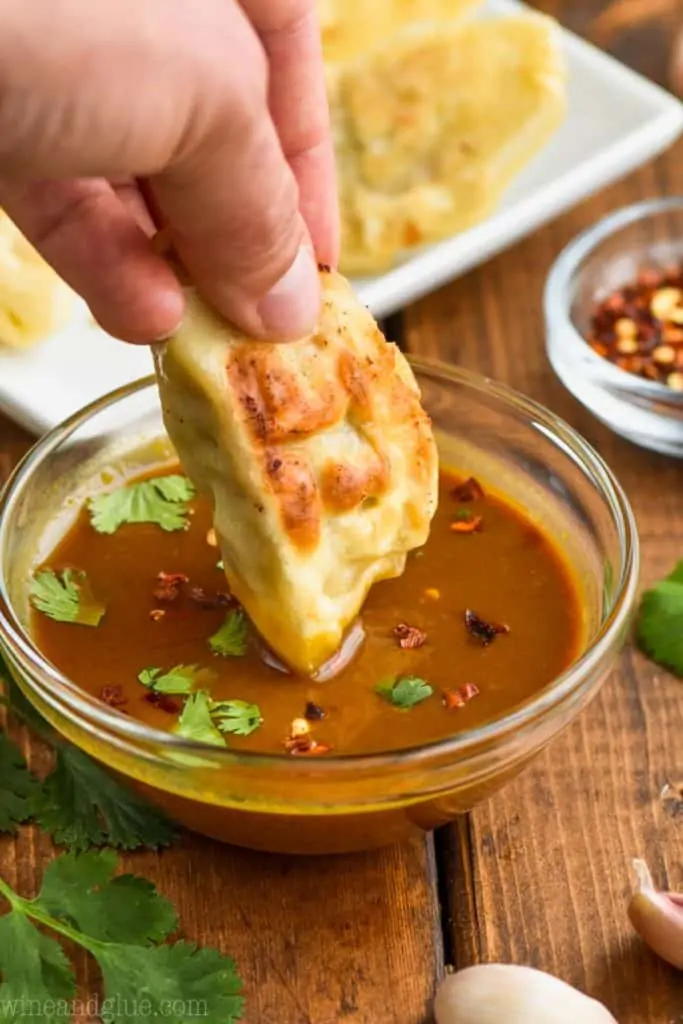
I 100% realize that when you think summer, potsticker sauce is not the first thing that comes to your mind, but maybe I can change that for you today. You guys, I’m totally obsessed with potstickers. I love them. I have been known to eat a giant plate of them for lunch. I often just get the frozen kind from the store and throw them in some boiling water and snarf them down before my children can realize that I’m not paying attention to them. They are the perfect busy mom lunch.
But! The key to enjoying a potsticker is having a great potsticker sauce. Otherwise . . . . no. Just no.
This sauce is amazing because the mustard, garlic, and ginger in it combine perfectly to give it just the right tang and zip you need in a potsticker sauce.
APRICOT MUSTARD MARINADE
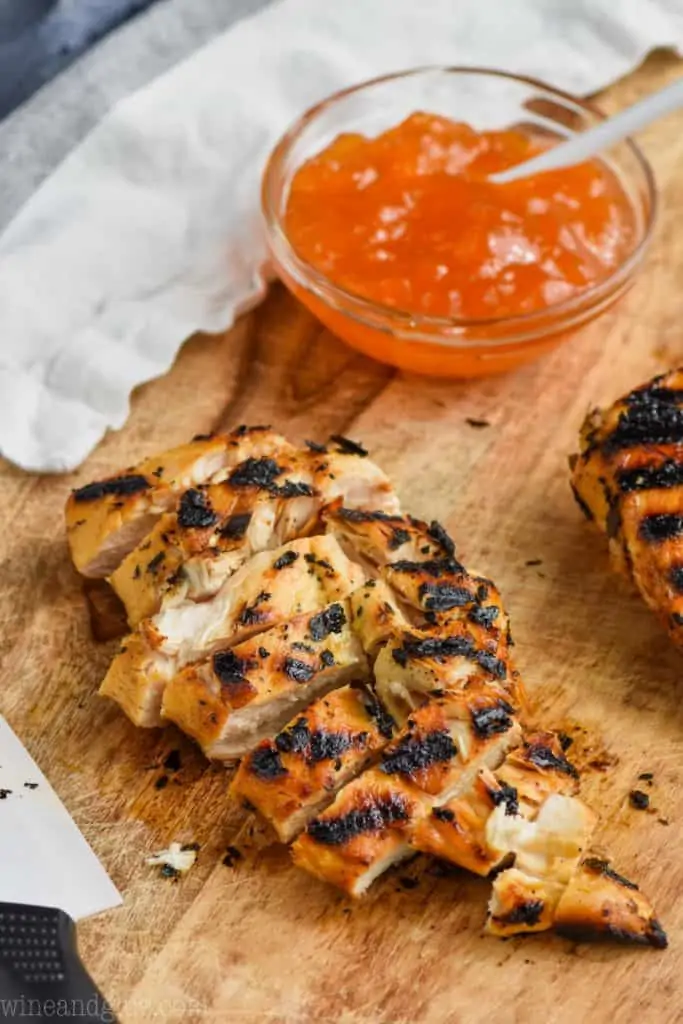
Whenever I am entertaining or hosting in the summer, my fall back is always to make some grilled chicken. It’s something that most people like and it goes great on a giant salad. I love making a huge salad and then a big plate of grilled chicken and letting people put it together.
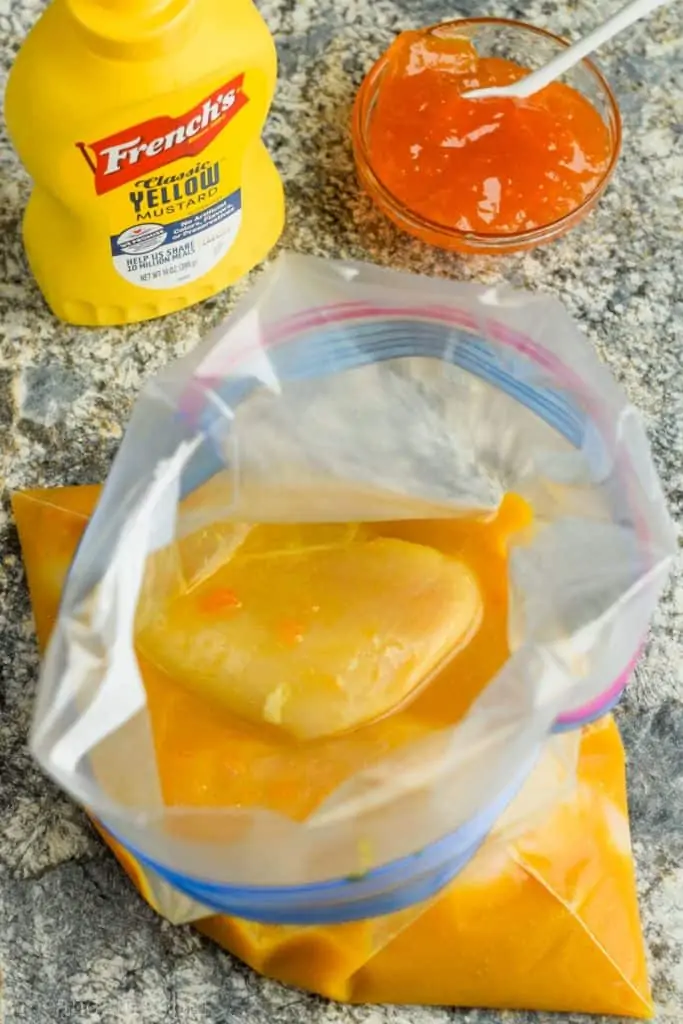
What I love about this marinade so much, besides how very very delicious it is, is that it doubles as a dressing for salads! Just reserve half of it before combining it with chicken and you have a great dressing to go over the chicken and some salad when you are done grilling!
SPICY MUSTARD VINAIGRETTE
I used to never make my own salad dressings. It just seemed pointless when you could buy something from the store.
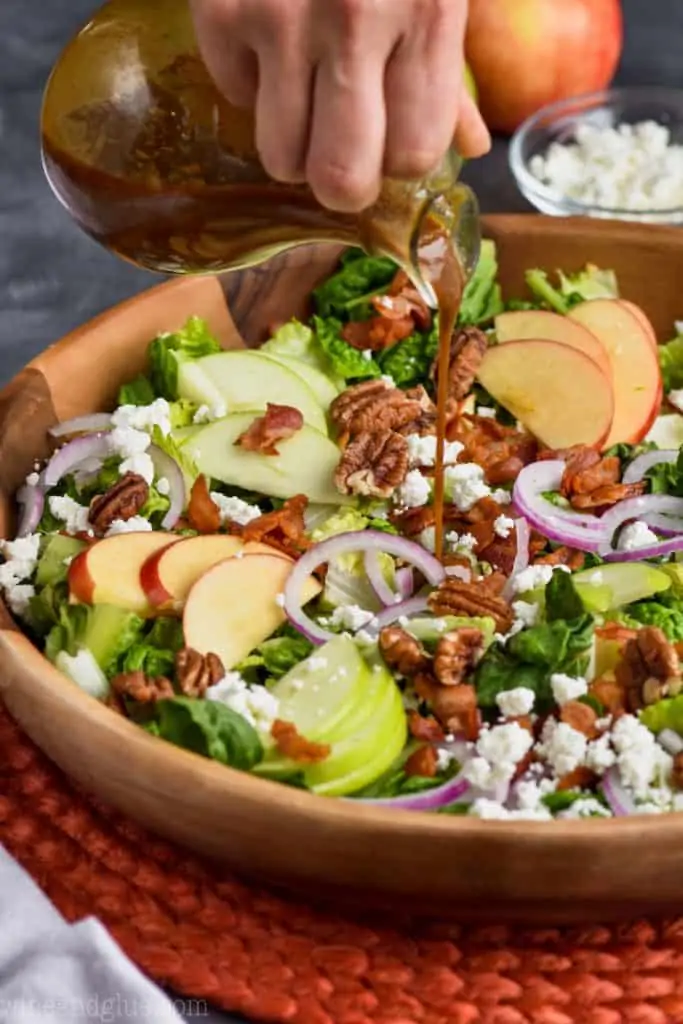
But now I’m kind of obsessed with it! I love how easily you can throw a great dressing together and I love even more how you can customize it to the salad that you are making. It’s kind of like creating something to go with a theme. You guys, I love a good theme.
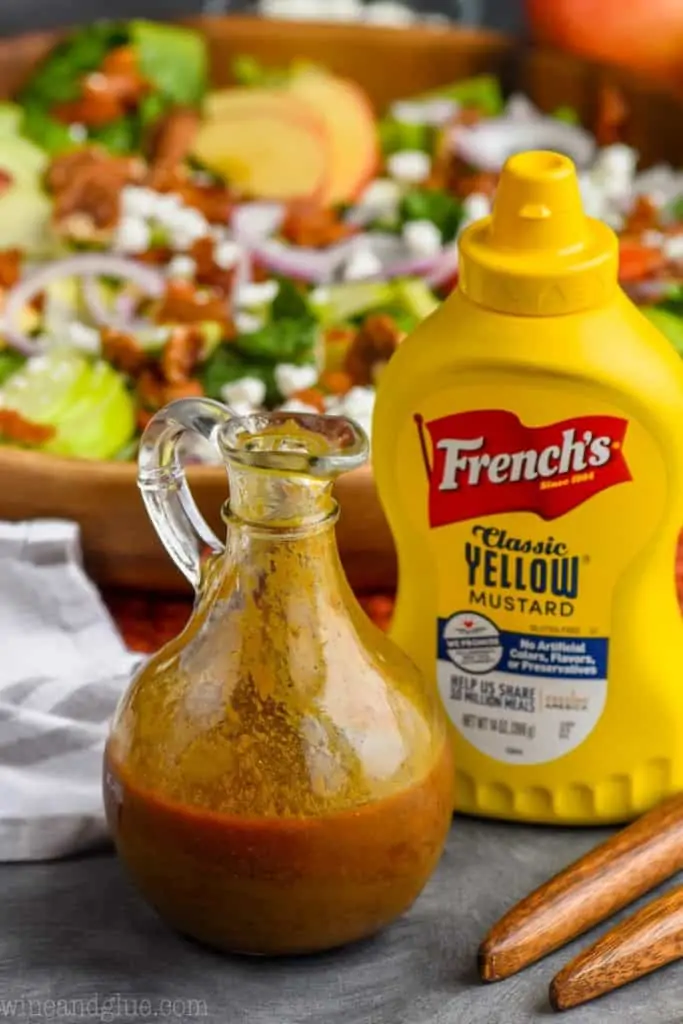
So the theme to this dressing is the tanginess of the mustard. It is complimented perfectly with a little balsamic vinegar, some some oil, garlic, and spices. And finally for the kick at the end, a little hot sauce. This dressing goes perfectly over my Apple Bacon Salad. The spicy and tang of the dressing works perfectly with the sweet tartness of the green apples and the smooth goat cheese. You will love this dressing and salad combo!
GARLIC MAYO MUSTARD SANDWICH SPREAD
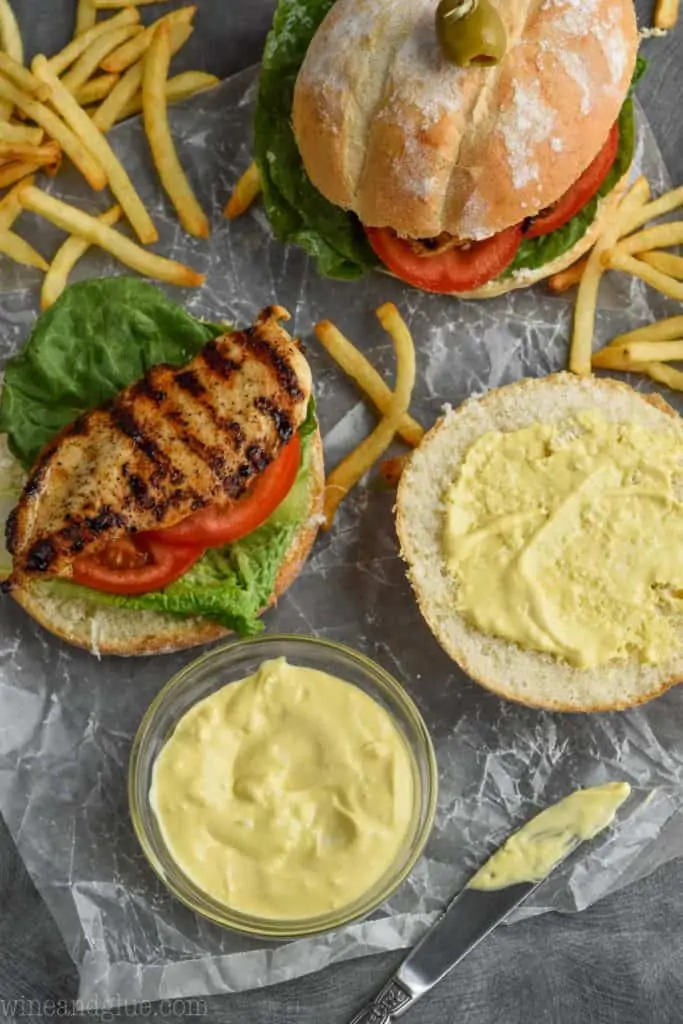
And finally, you can’t really have a great post about sauces perfect for summer without a GREAT sandwich spread. This is it my friends.
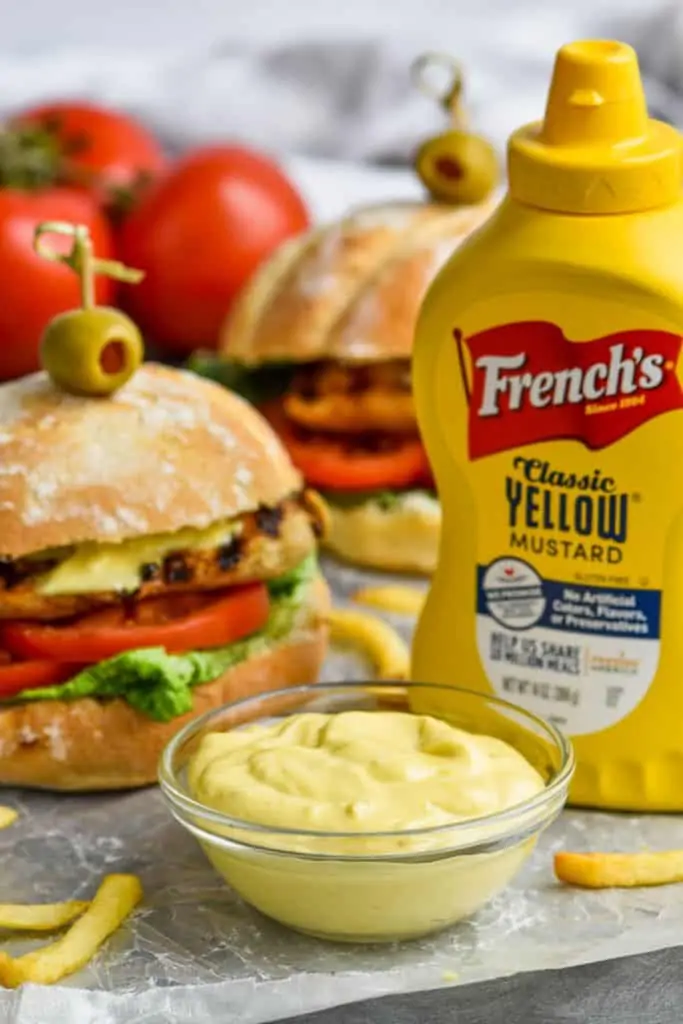
This Garlic Mayonnaise Mustard spread is so perfect on my grilled chicken sandwich. It leaves you feeling like you just ordered a fancy sandwich from a cafe. This would be perfect to entertain with. And I have to say, it is just as good for dipping fries as it is on your sandwich! Plus it is so simple to make! You only need FOUR ingredients!
For tons more great uses of French’s® Classic Yellow Mustard, be sure to follow them Facebook, Pinterest, Twitter, and Instagram!
Five Dips, Marinades, and Dressings Perfect for Summer
Ingredients
Chipotle Mustard Barbecue Sauce
- 1 1/2 cups brown sugar
- 1 1/2 cups ketchup
- 1/2 cup red wine vinegar
- 1/4 cup French’s® Classic Yellow Mustard
- 3 chipotle peppers in adobo sauce diced
- 1 tablespoon adobo sauce
- 2 teaspoons salt
Ginger Mustard Potsticker Sauce
- 1/3 cup soy sauce
- 2 tablespoons French’s® Classic Yellow Mustard
- 1 teaspoon minced ginger
- 1 clove minced garlic
- 1/4 teaspoon red chili flakes
- cilantro diced (optional)
Apricot Mustard Marinade
- 1/4 cup apple cider vinegar
- 1/4 cup French’s® Classic Yellow Mustard
- 1/2 cup apricot preserves
- 1/4 cup olive oil
- 2 tablespoons brown sugar
- 1/4 teaspoon salt
Spicy Mustard Vinaigrette
- 1/4 cup balsamic vinegar
- 2 tablespoons French’s® Classic Yellow Mustard
- 1/2 cup olive oil
- 2 cloves garlic minced
- 2 teaspoons honey
- 1/2 teaspoon salt
- 1/2 teaspoon paprika
- 1/2 teaspoon black pepper
- 1/2 teaspoon onion powder
- 3 teaspoons hot sauce
Garlic Mayonnaise Mustard Spread
- 1/2 cup mayonnaise
- 2 tablespoons French’s® Classic Yellow Mustard
- 3 cloves garlic diced
- 1/2 teaspoon kosher salt
Instructions
Chipotle Mustard Barbecue Sauce
- Combine all of the ingredients in a blender and blend until smooth.
- Uses: Smother cooked ribs with this sauce, or use it on grilled chicken. It would also be great in a crock-pot with some pork for pulled pork sandwiches.
Ginger Mustard Potsticker Sauce
- Combine all the ingredients. Whisk well to combine.
- Uses: Use for dipping in potstickers or pour over noodles and veggies!
Apricot Mustard Marinade
- Combine all the ingredients, whisk thoroughly breaking up any of the apricot preserves.
- Uses: Reserve half of the sauce before combining with chicken. Use the other half on one pound of chicken and marinade for 4 hours or overnight. Grill and serve on salad. If necessary, thin the remaining half with a little olive oil to serve as a dressing.
Spicy Mustard Vinaigrette
- Combine all the ingredients, shaking very well to combine. Shake again before each pour onto the salad.
- Uses: Use on this Apple Bacon Salad.
Garlic Mayonnaise Mustard Spread
- Whisk the ingredients together until fully combined.
- Uses: This spread is perfect on sandwiches or just for dipping fries!









averie @ averie cooks says
I want all of them, especially the apricot one and the potsticker sauce! They all sound so good!